Telenor eSIM in Pakistan- Step-by-Step Guide
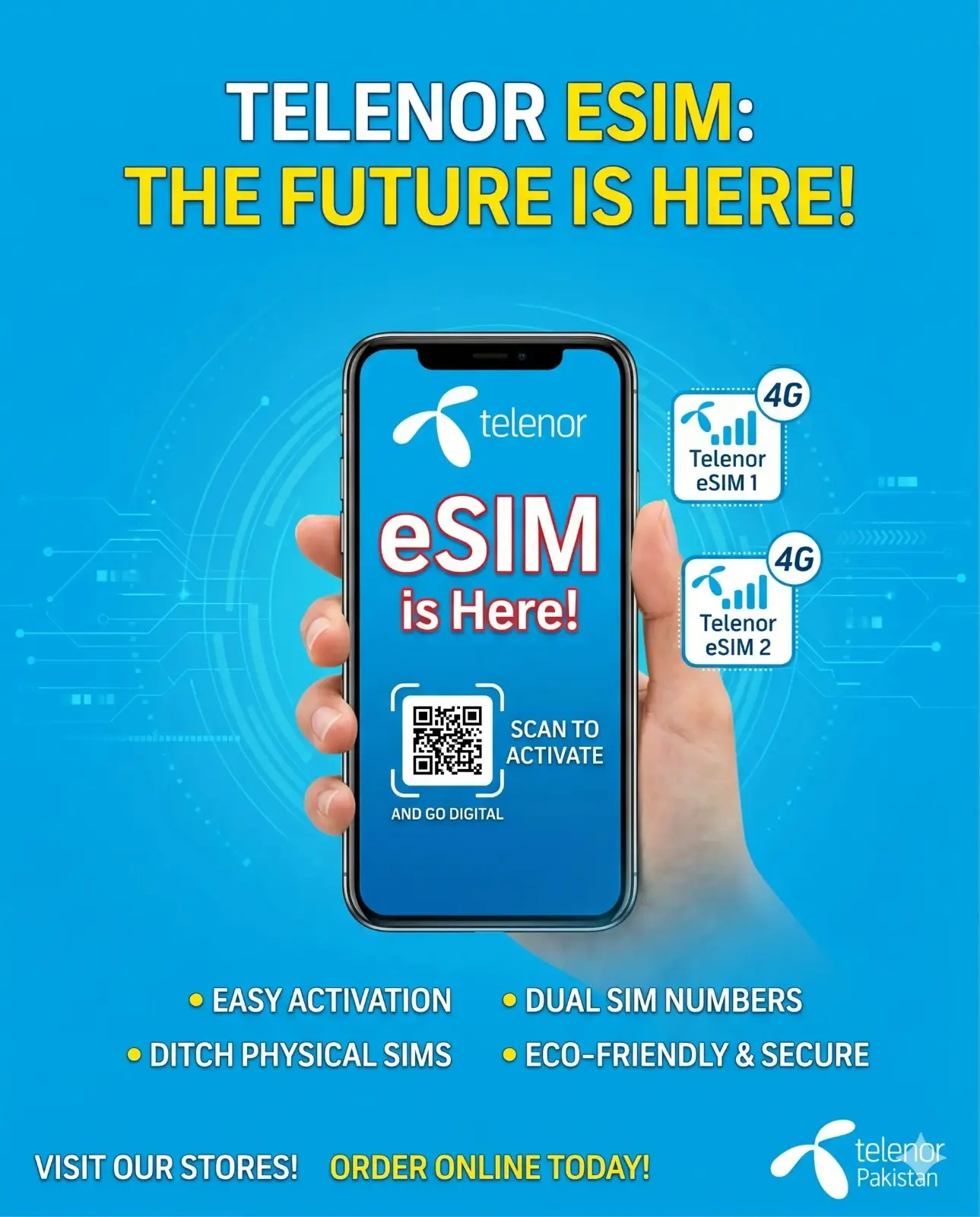
If you are a traveler or Pakistani and want something comfortable about the balances, then you are in the right place. First of all, you should know what a Telenor eSIM is. It is derived from the embedded SIM, a good solution for people to get out of the physical card. If you are a Pakistani and want to know about the Telenor e-SIM, then you have to stay here for more guidance.
A device can have multiple eSIMs, allowing you to connect with multiple cellular devices. You can choose plans based on your needs and the area you are in.
How Does telenor eSIM Work?
If your device is eSIM-compatible, that’s great news for you. Install the Telenor eSIM according you country. This will connect you to the local area network and to the area like Telenor. Enjoy without using wifi or the roaming charges.
Telenoer e sim is a software itself and used to manage tperator profiles via app or QR code of multiple data, and users can switch between the networks without swiping the cards.
Check if Your Device Supports Telenor eSIM
Before going further, you need to check the device’s compatibility with the eSIM. So it’s necessary for you to check the compatibility details if you want an e-SIM in Pakistan.
In the iPhone, your model must be XS, XR, or above. Newer models of the iPhones are compatible with e-SIM. iPhone 17 Pro Max and the coming models are highly compatible with this.
In Android, if you have a Samsung, then your model must be Galaxy S20 and above, Google Pixel 3 or newer, or Huawei P40 series. Other brands like vivo and Xamai are also supported by e-SIM.
Your phone must be PTA-approved, and then it will support the eSIM. If your mobile is imported, then register it first on PTA, and then it will show the features of the e-SIM. Once one of my relatives faced this issue, and I helped him by registring phone first on the same day to avoid further headaches.
To confirm if your phone supports the e-SIM, you should have to go to the settings. On iOS, it’s under Cellular > Add Cellular Plan. On Android, look in Network & Internet > Mobile Network.
Requirements for Getting a Telenor eSIM in Pakistan
Getting Telenor in Pakistan is not complicated. Some things are necessary for activating e-SIM in pakistan like CNIC is necessary for e-SIM activation. You may check the following steps:
Step-by-Step Guide to Get and Activate Telenor eSIM
Now we will see how to get an activated Telenor SIM into your phone. I am sharing the whole process in a step-by-step procedure, and with my personal experience, which I have tried on my phone.
Step 1: Decide If It’s New or a conversion
You should decide first whether you want a new SIM from Telenor or convert the old one into a digital version. If you want a new Telenor number, then you should go to the Telenor nearby franchise and perform the necessary action, such as biometric verification.
If you want to get a Telenor e-SIM online, you need to scan the QR code from the app.
Step 2: Visit a Telenor Franchise or Service Center
Find out the nearest Telenor franchise with the help of the Telenor app or their official website. In big cities like karachi and lahore they are present in the walk of every 5 minutes.
Give your CNIC and biometric they will perform some PTA verification there. It may take a few minutes. Pay them the charges, and they will generate a QR code for you on paper or emailed you.
Tip: Go to the franchise during off-peak hours. I went once early in the morning and got my work finished in 15 minutes.
Step 3: Request Online If You’re an Existing Customer
If your Telenor number is logged in with your Telenor app. You can look for the e sim service. Request a conversation, and then you will get the QR code for verification. This is good when you are busy. If a biometric is necessary, then visiting the franchise is compulsory.
Step 4: Scan the QR Code on Your Device
When you open the QR code in your phone, you have to do the following steps in your phone:
Your phone will download the profile. They may ask for your confirmation by sending a code to your email.
Step 5: Activate and Test the eSIM
Step 6: Manage Multiple eSIMs If Needed
You can store multiple profile data at e sim. You can call using the SIM, but you can share your data across all profiles. So it’s a great thing to manage the business and personal work on one device without any confusion.
Know about the daily updated My Telenor answer today
Common Issues and Troubleshooting for Telenor eSIM
Benefits of Switching to Telenor eSIM
Conclusion
From the conventional SIM card to the digital SIM or eSIM, it is more convenient for people. You can also manage more than one profile for your personal and business purposes. If your phone is PTA approved or you are a traveller, then you should have to definitaly try this.